Offline ePCR Charting: How Tablet Sync Really Works
How offline ePCR charting keeps run reports safe in dead zones: on-device storage, frequent saves, offline run numbers, and uploads that finish on their own.

Offline ePCR charting only holds up when the chart lives on the tablet itself, saved to an on-device database, instead of inside a browser tab waiting on a server. A browser page can lose what you typed when it reloads or gets pushed out of memory. An installed app that saves to the device as you go keeps your work when the signal drops.
Every medic has typed half a narrative in a basement and watched the screen hang. When tones drop at 0300, you can't bet your chart on one bar of LTE. A lost report stalls your turnaround at the hospital and leaves a hole in the record that someone will ask about later.
It helps to know what's actually going on inside the tablet: where the data sits, how run numbers get assigned, and how the upload finishes after you've walked away. Here's how that works when your tablet leaves coverage.
How is on-device storage different from a browser?
A charting tool that runs in a mobile browser keeps a lot of what you type in the page itself. If the iPad gets low on memory, the system can quietly unload background tabs. Tap refresh in a dead zone and the browser tries to reload a page it can't reach. Browsers also cap how much a website can store on the device and can clear that storage when space runs tight, which is exactly the kind of thing you don't want happening to a patient record.
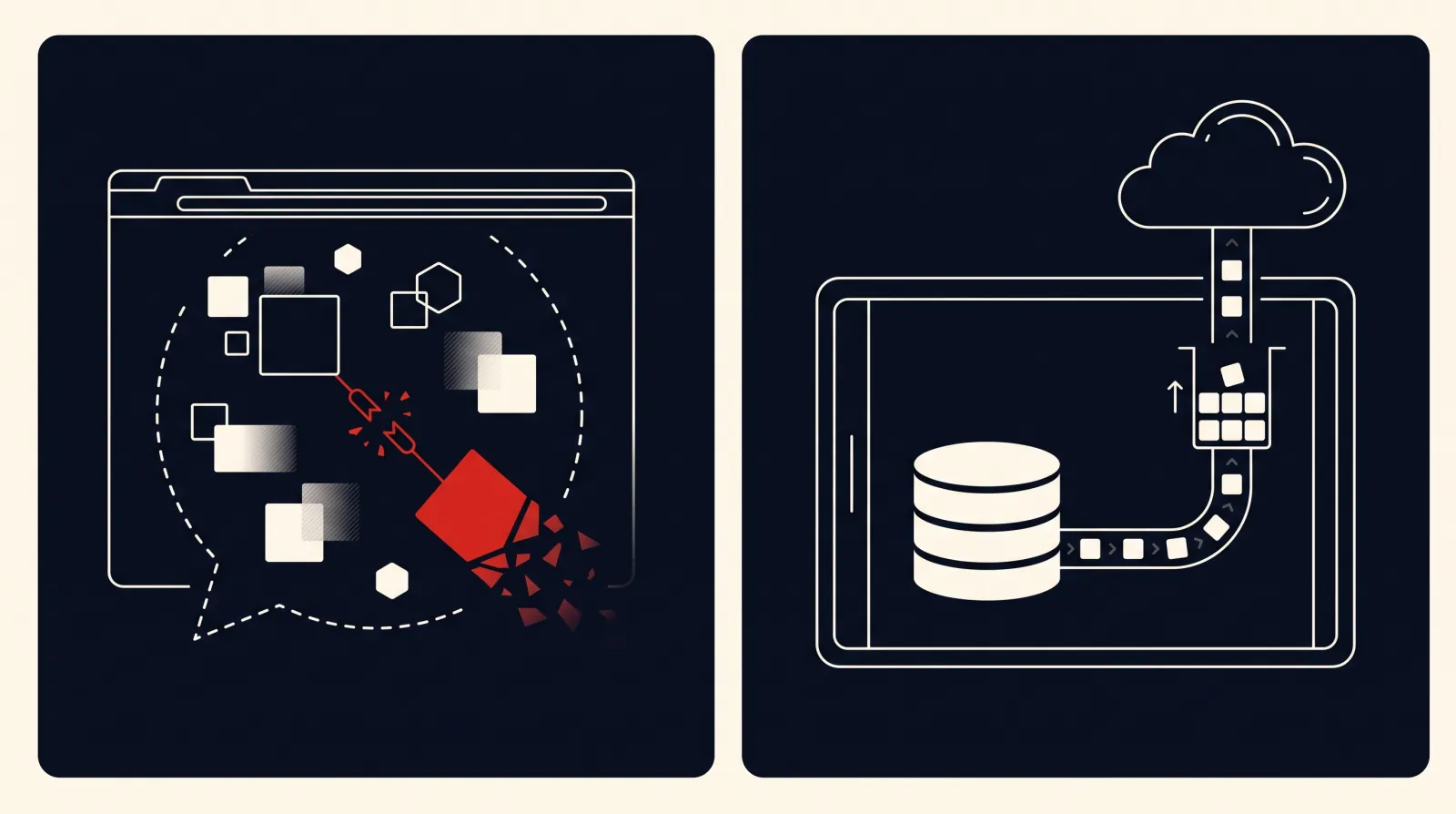
That's where a lot of ePCR tablet sync issues come from. The text you typed never made it to the tablet's storage. It was sitting in the page, and the page went away.
An installed app works differently. It carries its own small database on the device, so each entry becomes a saved record on the tablet. You don't need a connection to open a chart, edit it, or run your validation checks. That's what makes EMS charting without internet dependable in a concrete basement or a rural dead spot. We go further into this design in our look at offline-first ePCR architecture.
| Design layer | Browser-based charting | Installed app with on-device database |
|---|---|---|
| Where data sits | In the page, or in limited browser storage | Saved to the tablet's own storage |
| Low memory | Tab can be unloaded and reloaded | Saved records stay on the device |
| Accidental refresh | Reload fails offline and can drop unsaved text | Chart reopens from what's saved on the tablet |
| Offline validation | Often needs the server to check the form | Rules can run on the tablet with no signal |
| Monitor links | Limited ways to pull in monitor files | Can connect to monitors over Bluetooth or local Wi-Fi |
Why do autosave timers lose narratives?
A lot of older charting tools save on a timer. They wait a set interval, then write everything at once. On a busy call, even a short gap is a lot of charting.
Picture a working code. You're typing compressions, shocks, IO access. Before the timer fires, the battery dies, or your partner knocks the power button on the stairs. When the tablet comes back up, your newest notes are gone.
That gap is behind a lot of the "EMS narrative lost sync error" complaints. Crews blame the cell carrier, but the real problem is that the work wasn't saved yet.
The fix is to save on the event, not the clock. A well-built app writes to the device as you enter data, field by field, instead of waiting for a timer. If the battery quits mid-sentence, what you'd already entered should be on the tablet when it boots back up. Ask any vendor exactly how often their app saves, and then test it yourself (see the checklist below).
What happens when two medics chart offline at once?
Dead zones usually catch more than one person on the same call. The engine crew is taking insurance info at the door while the transport medics push meds in the back bedroom. If the software isn't built for it, two people charting offline at the same time can step on each other.
The worst setup is whole-document overwriting, often called "last write wins." Whichever tablet hits Wi-Fi first sends its copy. A minute later the second tablet connects and replaces the whole record, wiping out your partner's vitals.
Better systems track each field on its own, with a timestamp, instead of shipping the chart as one big file. If one medic charts fentanyl at 0314 and the other enters billing info at 0316, the server can keep both. If both people change the same vital sign offline, the system should flag it for a human to sort out rather than silently throw one away. For a closer look at how crews hand a chart back and forth, see our guide to dual-crew handoff and merge.
How do tablets assign run numbers offline?
Older systems need a central server to hand out the next incident number. When your rig is down in a canyon, the tablet can't call home to ask for it.
Weak platforms respond by blocking new charts or handing out placeholder labels. When several rigs come back to quarters carrying the same placeholder, billing exports fail and state submissions back up. Good offline ePCR charting builds the number on the tablet instead.
The agency sets a rule that combines things like the date, the unit or device, and a local counter. Because each tablet's piece of the number is unique, an engine and an ambulance can open charts at the same moment with no connection and still not collide.
When the rigs get back on station Wi-Fi, the server accepts those numbers as they are. Matching charts to dispatch records gets a lot easier, though you still need clean times on both sides. Our post on CAD and monitor clock mismatches covers that piece.
How do charts upload once signal comes back?
When the ambulance climbs out of the garage or backs into the bay, the tablet finds a network again. What the software does next decides whether the chart uploads cleanly or sits there stuck.
Weak software makes you stare at an upload screen with a spinner. Put the tablet in a door pocket or close the cover, and the operating system pauses the app and the upload stalls.
A better iPad app hands the upload off to the tablet itself. The app tells iPadOS it has work waiting, and the system runs that work when it finds cellular data or station Wi-Fi, even if you've moved on to something else.
A good app sends drafts as it goes, sends the finished chart when you're done, and keeps retrying if you clip another dead spot on the way back. You finish your work, lock the tablet, and the upload finishes behind you. If you're comparing products on this point, our ePCR buying guide lists the questions to ask.
How do you field-test offline ePCR charting?
Don't take a sales demo's word for how a tool behaves offline. Take loaner tablets into the field and run these eight tests before you sign anything.
-
The elevator test: Open a chart on the ground floor. Ride an elevator down to the basement. Enter three sets of vitals and watch for lag or error messages.
-
The stairwell test: Start a narrative on station Wi-Fi. Walk into a concrete stairwell where your portable loses signal. Keep typing and confirm nothing complains or freezes.
-
The force-quit test: Type a full medication note. Swipe the app closed from the app switcher right away. Reopen it and check that every word is there.
-
The split-crew test: Put two tablets in airplane mode. Have one person enter billing details while the other charts vitals on the same call. Reconnect both and see what the merged chart looks like.
-
The midnight test: Take two tablets offline just before midnight. Start new charts on both after 0001. Confirm each one gets its own run number.
-
The dead-battery test: Let a tablet run all the way down with a chart open. Plug it into cab power, boot it, and check what survived.
-
The edge-of-coverage test: Drive through a known one-bar spot while adding notes. The app should stay quick and stable the whole way.
-
The bay test: Finish a chart in airplane mode. Put the tablet to sleep, pull into the station, and confirm the chart uploads without anyone touching it.
What does offline charting look like on an arrest?
Frequently asked questions
What causes an EMS narrative lost sync error?
Usually it's a tool that keeps your typing in a browser page or saves on a slow timer instead of writing to the tablet as you go. When the page reloads or the device shuts off before the next save, the newest text is gone. Apps that save to the device as you enter data avoid most of these losses.
Can crews chart a full call with no cell connection?
With a true offline tool, yes. You can chart from dispatch info through signatures without internet. The report stays on the tablet until it reconnects to cellular data or station Wi-Fi and uploads.
How do offline tablets avoid duplicate run numbers?
They build the number locally from rules the agency sets, such as the date, the unit or device, and a counter on the tablet. Because each device's piece is unique, two crews charting offline at the same time won't produce the same number.
What if an iPad breaks before the run uploads?
That depends on what already made it off the device. Tools that send drafts in the background whenever they have signal mean a crew can often grab a spare tablet, log in, and pick up close to where they stopped. Anything entered after the last successful upload lives only on the broken device, which is one more reason to test how often a product sends drafts.
How do offline tablets get cardiac monitor data?
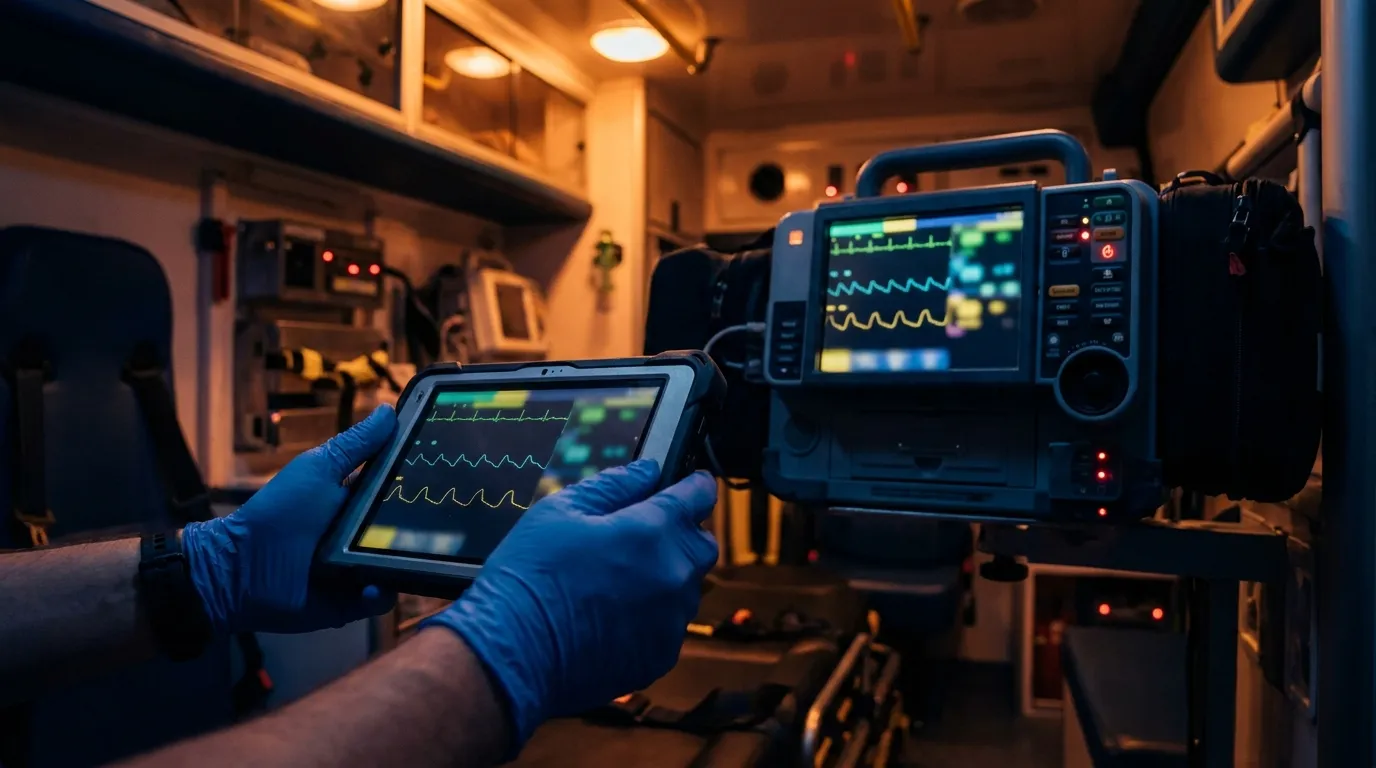
Many setups connect the tablet to the monitor directly over Bluetooth or local Wi-Fi at the patient side, with no cell data needed. Depending on the monitor and the software, that can bring 12-leads, shock events and vital sign trends straight into the chart.
Want to see offline charting on a real tablet?
Run the stress tests above on any product you're considering. If you'd like to see how Mobile Medic handles charting with no signal, take a look at what the app does in the field.