CAD Timestamp and Monitor Clock Mismatch: Field Fixes
Why a CAD timestamp and monitor clock mismatch happens, how it hurts your chart in QA, billing and court, and the station habits that keep your timeline clean.

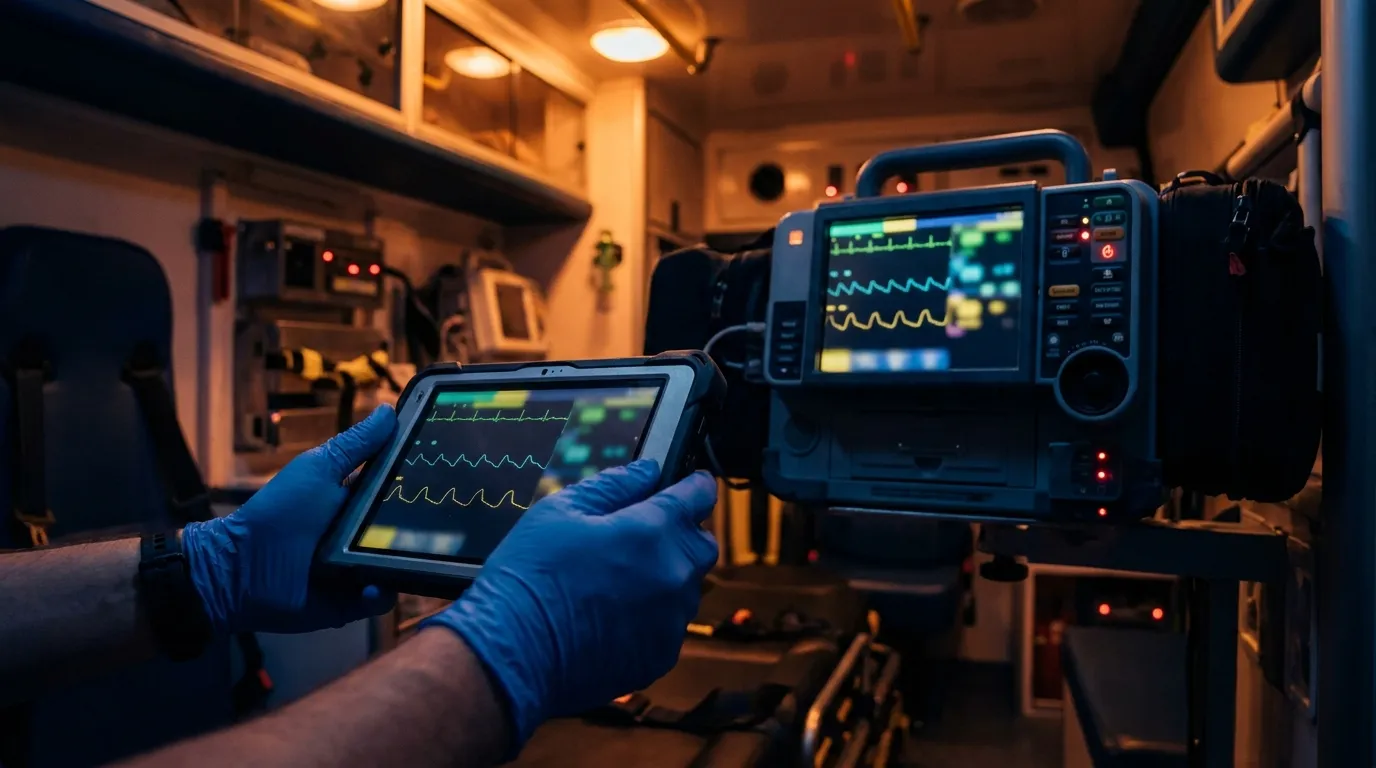
A CAD timestamp and monitor clock mismatch shows up because every call runs on at least three clocks that don't talk to each other: the dispatch server, the tablet or terminal in the cab, and the cardiac monitor at the patient's side. When they drift apart, your chart can show a shock delivered before you were even on scene. The fix is part station routine, part charting habit, and part software that doesn't steamroll your field times.
You've probably lived this one. You work a code in a tight hallway and shock VF a minute after you drop your bags. A week later the monitor's event log lands next to the dispatch times, and suddenly the chart says you defibrillated the patient two minutes before you arrived.
That's not crew error. It's clock drift, and it's fixable.
Why don't dispatch and monitor clocks agree?
Each clock gets its time from a different place.
The dispatch system usually syncs to an internet time server, the same kind of reference the National Institute of Standards and Technology publishes. When a dispatcher keys an event, CAD stamps it to the second.
The tablet or mobile data terminal in the cab picks up its time from the cell network or GPS. That's normally close, but it can lag if the device hasn't checked in for a while.
The monitor is the odd one out. It's a standalone medical device that often keeps time on its own internal clock, and nobody touches that clock until someone notices it's wrong. Ask biomed or the monitor maker how your model sets and holds its time.
How far off can it get? A small Danish study checked ambulance defibrillators against an atomic clock. In one city the monitors were off by a median of 45 seconds. In the other they ran a median of 252 seconds ahead, more than four minutes, and the biggest gap between a monitor and an ED wall clock was about seven and a half minutes. That's one small sample, but it matches what a lot of us see on the street.
How do mismatched times hurt you after the call?
When a QA reviewer, a billing auditor or an attorney rebuilds your call, they lay every timestamp on one line. If the line doesn't make sense, your chart gets questioned.
The worst version is a monitor log that runs ahead of CAD arrival. Say the monitor shows CPR or a shock at 14:02 and CAD shows you arriving at 14:05. A plaintiff's attorney can use that gap to suggest your chart isn't reliable. In a deposition you might hear, "So you treated this patient from the cab?"
Billing can get messy too. If your times show advanced care starting before arrival, that's the kind of mismatch a payer reviewer could ask about. Your billing team can tell you whether it's come up for your agency.
Your best defense in a timeline audit starts before the chart ever leaves the station: catch the drift, and explain it.
Should CAD times overwrite your field times?
No. Some setups treat the CAD feed as the final word. When dispatch data links to the run sheet, the system pushes CAD dispatch times into clinical fields and wipes out what the crew actually entered.
Picture it. You chart patient contact at 02:44 in a high-rise bedroom. An automatic CAD connection to your ePCR then drops in the CAD arrival time of 02:47, which is when the rig parked at the curb. Your real contact time is gone, and every medication window measured from it now looks off.
A better pattern is pulling CAD data on command. The crew looks at the incident details first, then brings the dispatch times in with a tap when they're ready. Nothing replaces what the crew charted without the crew saying so. That keeps your judgment in charge of your own chart instead of a blind data feed.
What clock routine should your agency run?
If you wait for the annual biomed visit to set monitor clocks, they'll drift all year. Build a short routine instead.
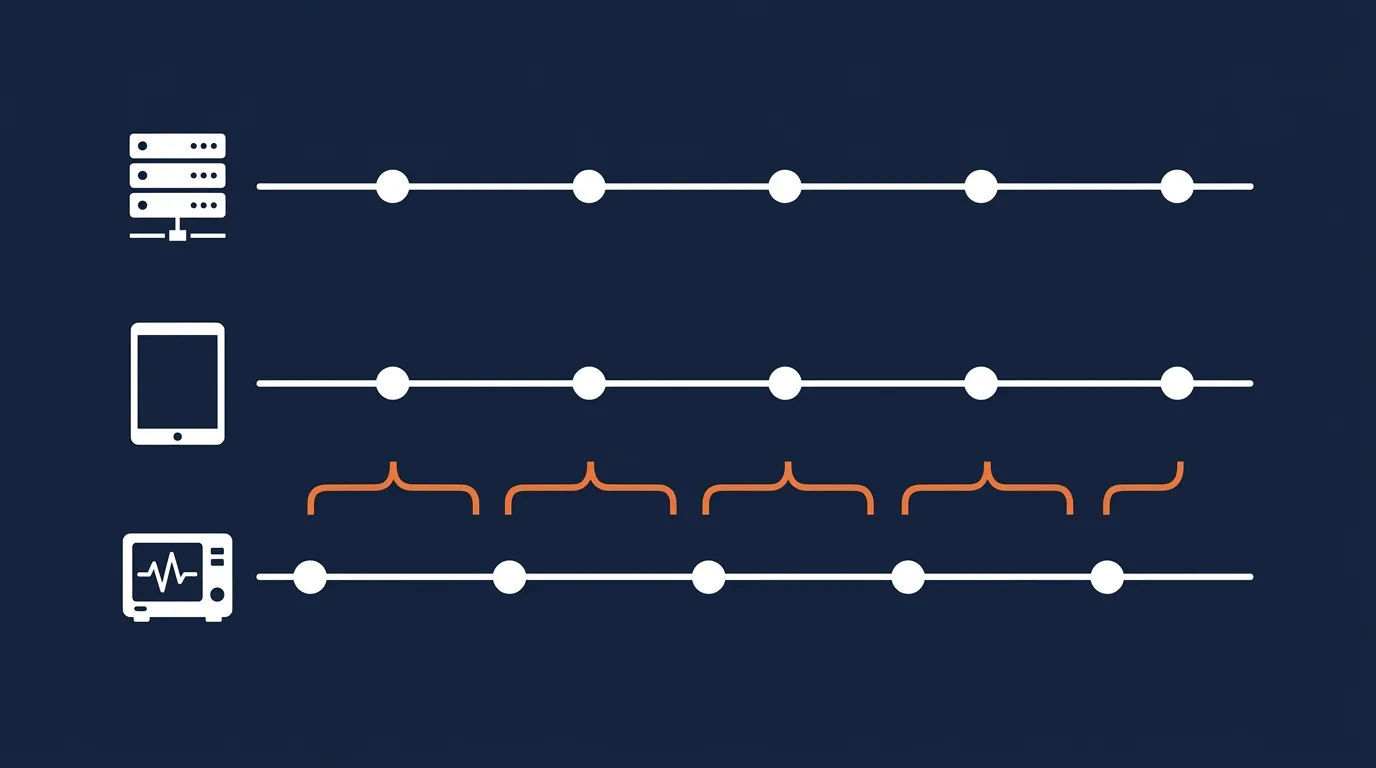
Sync the tablets on station. Set one time rule for every rig. Tablets should pick up the correct time from the same reference your dispatch center uses whenever they're on station Wi-Fi, so they're in line with CAD before the crew rolls.
Add the monitor clock to the rig check. Power the monitor on at shift change and compare its clock to the cab terminal. If it's off by more than your agency's threshold (we'd suggest anything over a minute), correct it and note it in the rig check log.
Ask biomed about the clock. Find out how your monitor model keeps time while it's powered off and what the manufacturer's service schedule says about it, then build that into your regular checks.
| Clock source | Where it gets its time | How likely it is to drift | Routine fix |
|---|---|---|---|
| Dispatch (CAD) server | Internet time server | Low | Dispatch IT checks it on a set schedule |
| Field tablet or cab terminal | Cell network or GPS | Low | Sync on station Wi-Fi every shift |
| Cardiac monitor | Its own internal clock | Higher | Compare and correct at every rig check |
| Your wristwatch | Quartz movement or phone carrier | Varies | Match it to the cab terminal each shift |
If you also pull 12-leads and event data from the monitor into the chart, check out our guide to cardiac monitor to ePCR transfer fixes. A wrong clock travels right along with that data.
How do you chart a time gap so it holds up?
Even with good habits, some calls will still show a gap. Don't hide it. Smoothing it over looks worse in a review than just explaining it.
Name the source of every time you cite and stick to facts. Something like this works:
"Monitor log records first shock at 03:12 per monitor clock. Cab terminal logged on-scene arrival at 03:14 per CAD. Patient contact at 03:11. Monitor clock found to be approximately two minutes ahead of CAD at end of call. Interventions performed in the order documented."
That note does three things. It admits the gap, gives the likely cause, and confirms the real sequence of care. If you can, add the monitor's serial number so QA can match it to the rig check log.
How can QA catch timing errors before billing?
Back-office review is your last chance to catch a bad timeline before the claim goes out. Spot-checking charts by hand lets gaps and missing runs slip through.
An automated CAD reconciliation audit compares dispatch incident logs against finished charts. It matches run numbers, assigned units and key times. If CAD shows a unit was dispatched and there's no chart, it gets flagged. If a chart shows care starting before the unit was even toned out, QA gets a heads-up.
Catching that the morning after the call is a quick fix. Catching it after a denial or a records request is a long, painful one. For more on setting up reviews that crews see as fair, read building fair EMS chart audits.
What does a drift defense look like on a real call?
Frequently asked questions
Can crews change CAD timestamps inside the ePCR?
It depends on your software and your agency's policy. Many systems let crews correct a time when the dispatch time doesn't match what happened in the field. Whatever your setup allows, add a short narrative note explaining every change.
How do GPS geofence arrival times affect CAD timestamps?
Some systems log arrival automatically when the rig crosses a boundary drawn around the address. If you're stuck in traffic outside that boundary, or you park on the far side of a big complex, the logged arrival won't match when you actually reached the patient.
Does daylight saving time cause clock problems?
It can. If dispatch, tablets and monitors switch over at different times, or one device doesn't switch at all, you get a one-hour gap that looks alarming in a review. Check every device the week of the change.
How often should the monitor's clock battery be checked?
Follow the manufacturer's service schedule and have biomed look at it during routine maintenance. If a monitor keeps drifting even after you correct it, flag it for service.
Why does the CAD link sometimes drop between dispatch and the tablet?
Usually because the rig's modem lost signal or the dispatch side is backed up. A well-built system saves the data on the tablet and tries again once the connection comes back, so you don't lose anything. Our CAD reconciliation audit post covers how to catch runs that never made it across.
Want CAD data that respects your field times?
Mobile Medic lets crews pull CAD data into the chart with one tap, on their own schedule, and nothing overwrites clinical notes without the medic's approval. On the back end, CAD reconciliation audits dispatch logs against finished charts to highlight missing reports, duplicate runs and timing discrepancies. See how it fits your agency on the features page.